
How to Follow Up on WhatsApp Without Being Annoying
The fear of being a pest is why most warm WhatsApp leads never hear from you again. What actually reads as annoying, what to write instead, and how to remember without living in your notifications.
Published August 11, 2026

You had a good conversation. They asked what you charge, or when you could start, or whether you'd worked with someone like them before. You answered. They said they'd think about it.
That was nine days ago.
You know you should follow up. You also know exactly how it feels to be on the other end of a "just checking in 🙂" from someone you've already decided not to hire. So you don't send anything, and a warm lead quietly becomes a cold one — not because they said no, but because nobody said anything.
The instinct behind that hesitation is right. Most follow-ups genuinely are annoying. But the reason is almost never the one people assume.
Being annoying isn't about how often you message
Ask anyone why they don't follow up and they'll talk about frequency. Is two days too soon? Is a week too pushy? How many times before I stop?
Frequency is the wrong variable. Think about the last time a message from someone chasing you felt genuinely irritating. It probably wasn't the third message that bothered you — it was that the message contained nothing. It asked you to do work: remember who they were, recall what you'd discussed, and produce a decision on demand, all so they could feel like they'd tried.
A follow-up reads as annoying when it transfers effort from the sender to the receiver. It reads as fine — sometimes even welcome — when it does the opposite.
That's an unusually good problem to have, because effort is something you control completely, and someone else's calendar isn't.
Concretely, these are the things that actually land badly:
- "Just checking in" with nothing attached. It's a request for attention with no content. If the entire message could be deleted without losing information, it will be read that way.
- Forgetting what they told you. Asking someone to re-explain their timeline or their budget constraint tells them the conversation didn't matter enough to retain.
- Ignoring what they told you. If they said "circle back after the 15th", messaging on the 4th isn't persistence. It's not listening.
- Bursts. Three messages in one afternoon, or a message followed twenty minutes later by "?", reads as anxiety. Each send arrives on its own, so one thought reaches them as three separate messages.
- Asking for the decision instead of moving it. "Have you decided?" puts all the work on them. "Do you want me to hold the slot for next week?" gives them something small to react to.
Notice that none of these are about timing. You can send a genuinely useful message on day two, and an irritating one on day thirty.
Decide the next step while the conversation is still warm
The practical reason follow-ups come out empty is that they're written from a cold start. Nine days later, all you have is a name in a chat list. You've lost the specific thing you were going to send them — the case study, the availability for March, the answer to the question you promised to check.
So you write the only thing you can write from nothing, which is "just checking in".
The fix is to spend fifteen seconds at the end of a good conversation instead of ten minutes at the start of a bad follow-up. Before you close the chat, write down two things:
- When the next contact should happen — and where possible, take it from what they said, not from a rule.
- Why you'll be messaging. One line. "Send the Q3 case study." "Confirm whether the March slot is still needed." "She's back from leave on the 20th."
That second line is the whole trick. It's the difference between a follow-up that carries information and one that asks for it.
Where you write it barely matters — the notes app, the chat itself, a reminder, a spreadsheet. What matters is that the reason travels with the date. That's the part most methods drop by default: a bare reminder gives you a time with no context, and a note gives you context that never resurfaces on the right day.
There's a stronger version of this, and it costs about the same fifteen seconds: instead of writing a note about what you'll say, write the message itself. Draft it while the conversation is still fresh, and leave it somewhere it will resurface on the day. Then the future version of you isn't composing anything from a cold start — they're reading a draft, deciding whether it's still right, and pressing send.
Write the message that does the work for them
Once you have a reason, the message writes itself, and it's usually shorter than you expect.
A pattern that works, in three short lines:
Hi Priya — you mentioned you'd know more once the board met.
No rush at all, but I found the write-up from the project I mentioned: [link].
Happy to hold the slot for two more weeks if that's useful — just let me know either way.
Three things are happening there. It shows you remembered something specific, so they don't have to reconstruct the conversation. It delivers something rather than requesting something. And it makes "no" easy — "just let me know either way" is permission to decline, which is what actually gets you a reply, because for a lot of people going quiet is easier than saying no.
A few smaller mechanics that matter more on WhatsApp than on email:
- One message, not four. Compose the whole thing before you send. Four sends are four arrivals; one send is one.
- Voice notes are a bigger ask than they feel like. A ninety-second voice note requires the listener to find somewhere private and give you their full attention. Text can be read in a lift.
- Say the thing in the first line. Whatever they see before opening the chat — a notification preview, the snippet in their chat list — is the start of your message. If your opener is "Hi! Hope you're doing well!", that glance carries no information and the message gets triaged to later.
- Don't ask if they got your last message. Two ticks means delivered. In a one-to-one chat someone can switch read receipts off, but that only hides whether it was read — it doesn't hide whether it arrived. Asking anyway implies they're ignoring you, which makes replying more awkward, not less.
There is no correct number of days
You'll find a lot of confident numbers online — 48 hours, three days, the "rule of seven". Treat all of them with suspicion. They come from B2B email sequences sent to thousands of strangers, and you are one person messaging someone you actually spoke to.
What you can use instead:
- If they gave you a date, use their date. "After the 15th" means the 16th, not the 12th. This is the single highest-signal input you'll ever get and people hand it over for free.
- If they gave you a process, follow it. "I need to run it past my partner" means the next message should acknowledge that, and should arrive with enough time for it to have plausibly happened.
- If they gave you nothing, pick a gap long enough that new information could exist. Usually that's most of a week. Sooner than that and you're just asking the same question again.
- Match their pace. How fast they replied during the conversation is a reasonable guide to how fast they'll reply after it. Someone who took three days to answer you the first time isn't ignoring you when they take three days the second time.
Know when to stop, and say so
Two unanswered follow-ups is usually where it starts to feel uncomfortable, and there are two instincts at that point: give up silently, or send a third that begins "Sorry to keep bothering you". Neither is good. Silence leaves the lead in your head forever, and apologising frames your own message as an imposition.
There's a better third message, and it's the one that closes the loop honestly:
Hi Marco — I don't want to keep pinging you, so I'll leave this with you.
If the timing changes, just message me here and we'll pick it straight back up. Genuinely no hard feelings either way.
This does something the "just checking in" spiral never does: it ends the uncertainty for both of you. It's also the message in the sequence with the least social friction attached to answering — it removes the awkwardness of having gone quiet, rather than adding to it — which is often enough to get a reply out of someone who had stopped replying.
And it lets you take the lead off your list without deciding they're a lost cause.
Ways to remember, without an app
None of the above requires software. It requires that the reason and the date survive until the day they're needed. Several ordinary methods do that, with honest tradeoffs:
- Star or pin the chat. Zero setup, and it keeps the conversation reachable. But it holds no date and no reason, and after a dozen stars it's just a second chat list you also don't look at.
- A phone reminder or calendar event per lead. This is genuinely good, and it's the closest thing to a purpose-built tool you already own. Put the reason in the reminder title, not just the name. The friction is that it lives entirely outside WhatsApp, so you're switching apps to create it and switching back to act on it, and your reminder list gets crowded with things that aren't tasks.
- A spreadsheet. Best option if you have real volume, or if you want to see everyone at once. It only works if you actually open it, which is a surprisingly hard habit — nothing prompts you.
- WhatsApp Business labels. If you're already on WhatsApp Business, labelling is built in and lives right next to the conversation. The set it ships with today is order-shaped — New customer, New order, Pending payment, Paid, Order complete — and they're renameable, so for follow-ups you'll be adjusting them or adding your own, which takes a minute and is worth doing. What labels can't do is tell you when: a label is a bucket, not a date, so you still need something else to make Tuesday's follow-ups surface on Tuesday.
Pick whichever you'll actually maintain. A spreadsheet you open every Monday beats a system you abandon in a fortnight.
Where LeadPing fits
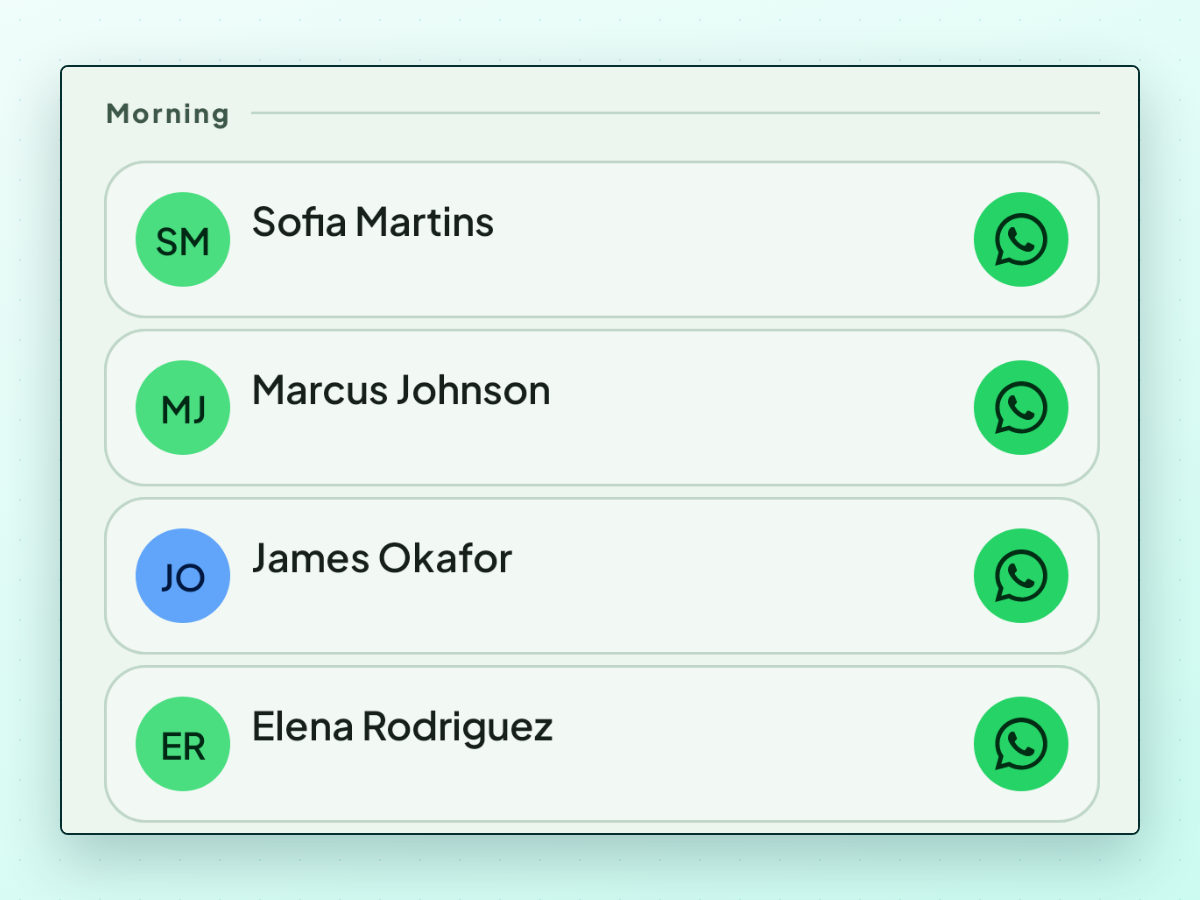
LeadPing is one option, built for the specific gap above: keeping the date and the message attached to the person, and putting both in front of you on the day you picked.
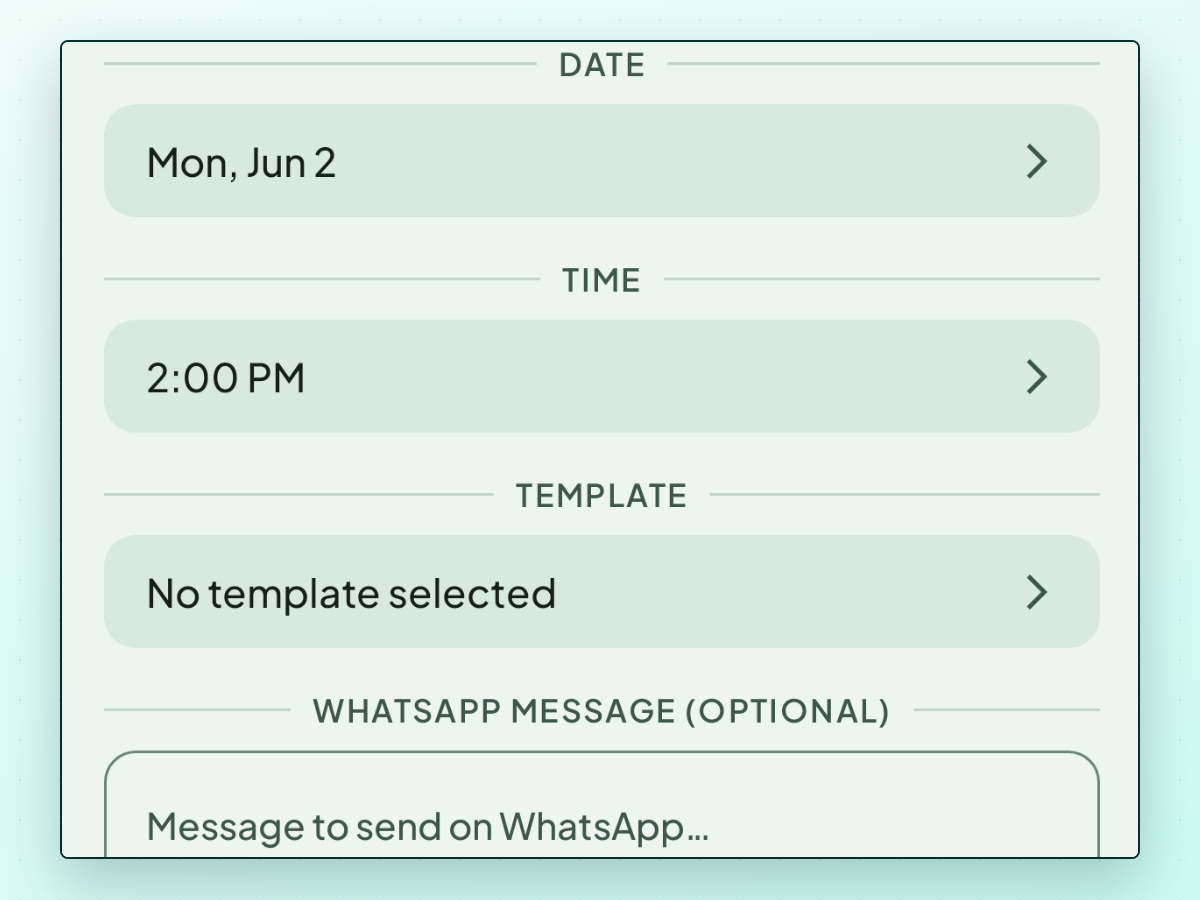
You save a lead from a WhatsApp chat, pick the date and time you want to be reminded, and — this is the part that matters — write the message you intend to send, then, while you still remember why. Not a note about the message. The message. It stays attached to that follow-up, so on the day you read it back, change whatever the intervening week has made wrong, and tap Send yourself.
Two details there carry more weight in practice than they sound like they should. The first is that opening the follow-up opens that person's WhatsApp chat — with your drafted message already sitting in the input box, waiting for you to send it. No hunting through a chat list for a name you half remember, no copying text between two apps and losing your place in the process.
The second is that the number never has to be saved to your phone. LeadPing keeps it with the lead and opens the chat straight from there, so the eighty people you spoke to once don't accumulate in your address book — and nothing is ever written back into it. If you've been saving numbers purely so you'd be able to message them later, that's the habit this removes. Pulling in someone who already is a contact works too; it's just never a requirement, and typing a number in by hand is a first-class way to add a lead.
It doesn't send anything on its own, and it doesn't message anyone on a schedule. There are no recurring follow-ups either — each one is a single reminder you set deliberately.
One honest caveat about the reminding part, because it depends on permissions you control. If you don't allow notifications, the follow-up still shows up in the app's list for that day, but nothing will alert you. And on Android, without the exact-alarm permission the system is free to defer the notification for battery reasons rather than fire it at the minute you chose. The app tells you when either one is missing — worth fixing once, at the start.
The reminders are for you. Nothing is ever pushed to the other person's phone.
Longer-lived context — what they do, what they're weighing, what you agreed — goes in the lead's own notes, which sit with the lead rather than with any one follow-up.
Everything stays on your device by default: no account to create, no login, and no copy of your leads on a server. That's a deliberate constraint rather than a missing feature, and it also means no web dashboard and no syncing between your phone and a laptop. There's one exception, and it's worth being exact about: the Android app has an optional AI drafting feature that runs on your own OpenRouter API key, stored encrypted on the device and never sent to us. When you use it, the lead's details go to OpenRouter and on to whichever model you chose in the app — so that data does leave your phone, to a service you hold the account with. Until you add a key it doesn't run at all, and there's no equivalent on iPhone or iPad.
It isn't a CRM. There are no pipelines, no deal stages, no team accounts, and no bulk sending. If you need shared ownership of leads or outreach across several channels, a real CRM is the right answer and this isn't it.
If follow-ups keep slipping because they only live in your head, LeadPing is worth a look — it's on iPhone and iPad and Android.
The short version
- Annoying is about effort, not frequency. Carry information; don't request it.
- Decide when and why while the conversation is still warm — and if you can, draft the actual message then, not a note about it. That's what stops the next one being "just checking in".
- Use their date if they gave you one. Ignore rules invented for cold email.
- Make "no" easy. It's what gets you an answer.
- After two unanswered messages, close the loop out loud instead of apologising or vanishing.
The follow-up that works isn't the persistent one. It's the one that shows you were listening.